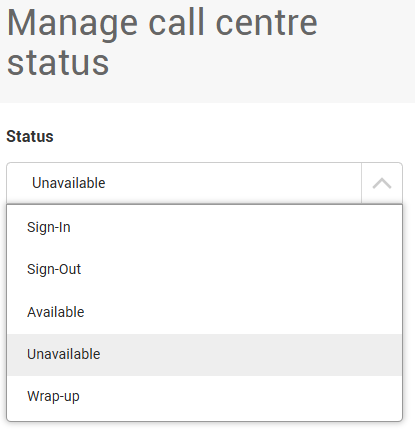
Change an Agents Call Queue Status via the Management Portal - User Guide

Here are the steps to change a user or agent’s status to Signed Out, Signed In, Available or Unavailable via the management portal.
Step 1. Go to the management portal and log in using your credentials: https://bp.activeipbx.com/businessportal/login.jsp
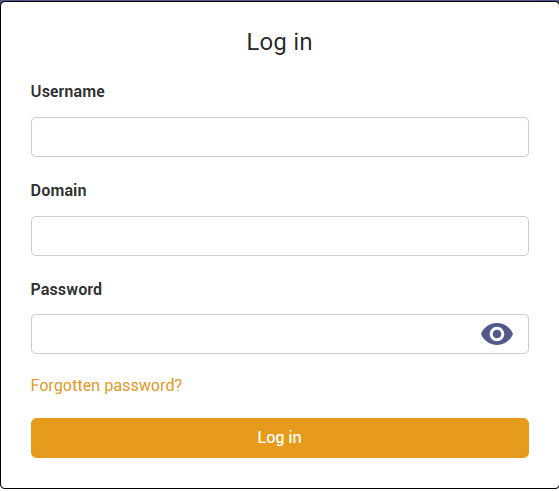
Step 2. Use the search box to type the name of the agent, then click on their name when it appears in orange text.

You will now be in the extension management page for that user/agent.
Step 3. From the menu on the left, select Features, then scroll down to the section titled Management. (see image below)
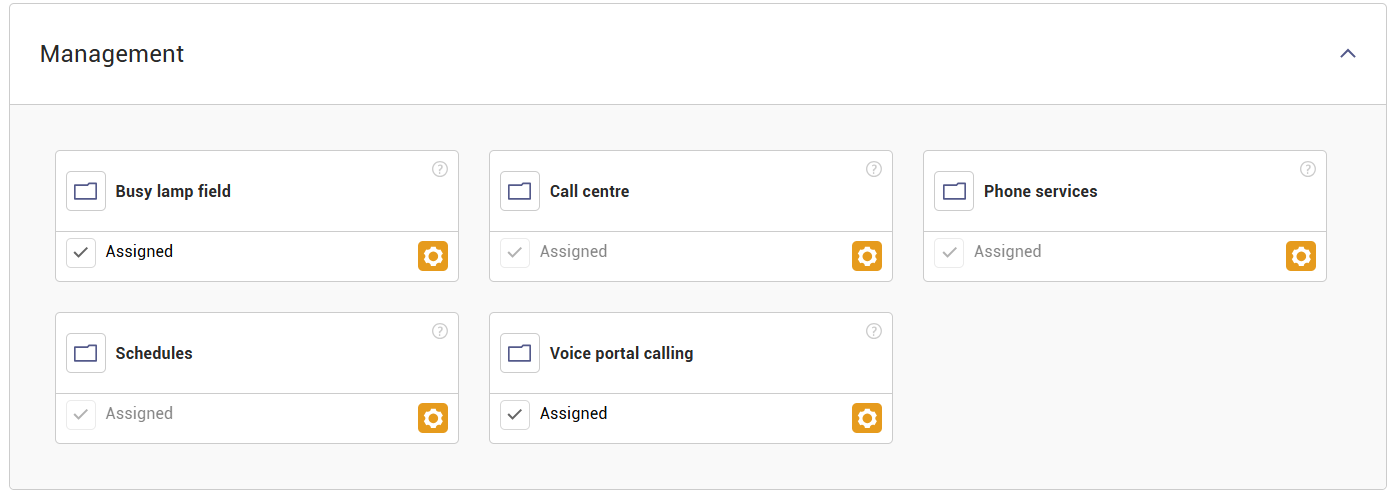
Step 4. Click the orange Settings icon in the Call Centre box.
Step 5. Click the orange Manage Status button.

Step 6. Select the required status from the drop down list (for example, Signed Out) and click Save.